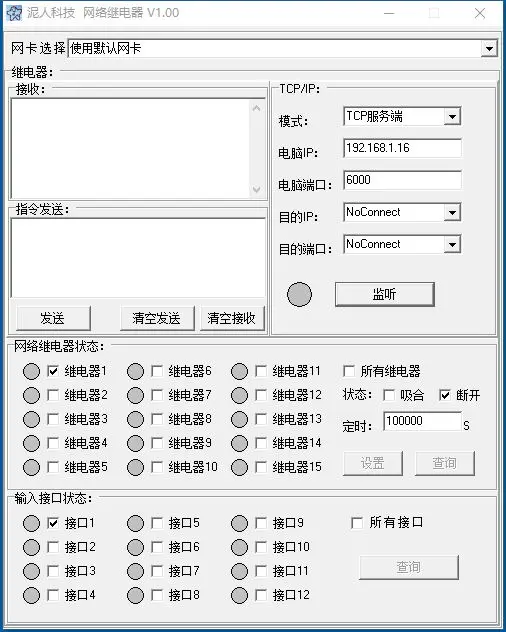
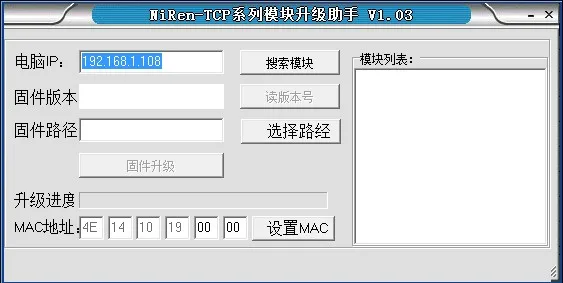
4 Channel Relay
 Proudly Made in USA
- Free worldwide shipping
- In stock, ready to ship




SPECIFICATIONS
Brand Name: NONE
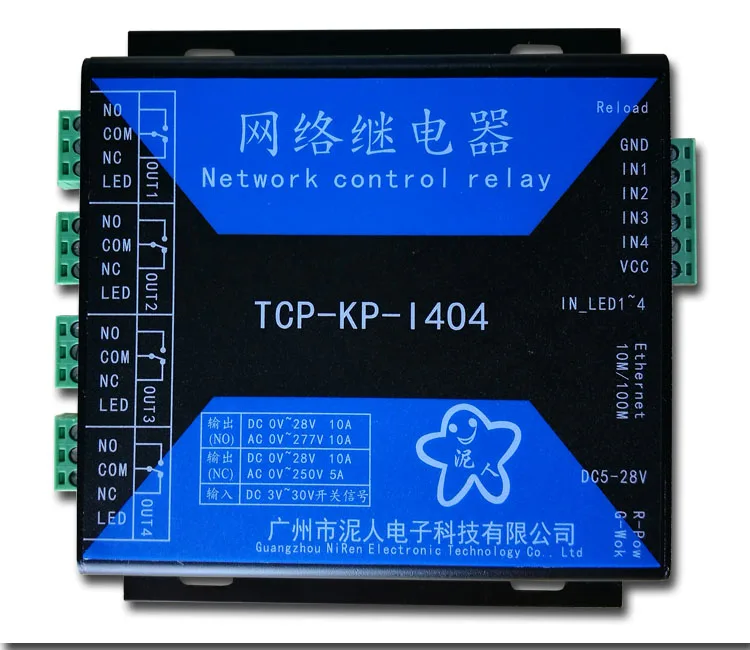
Model Number: TCP-KP-I404
Origin: Mainland China
Power Source: DC
Protect Feature: Other
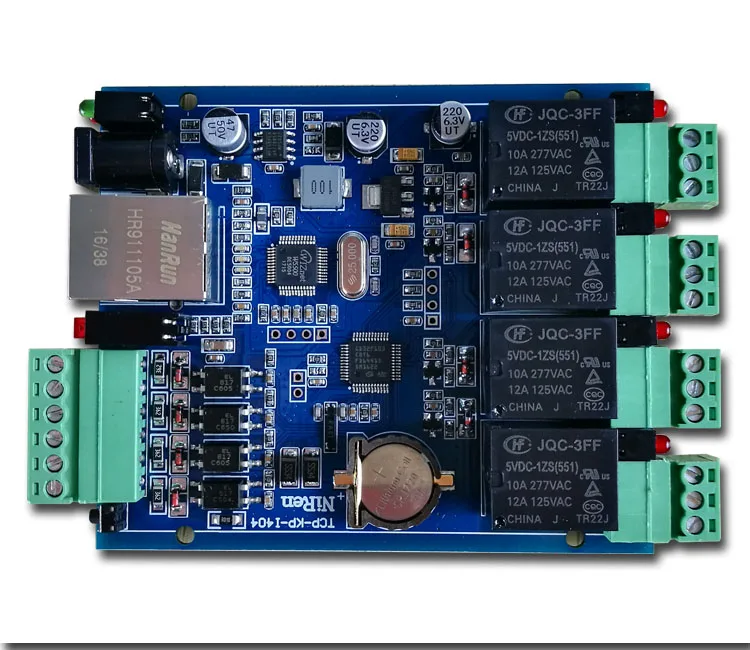
Theory: network relay
Voltage: DC5V~28V


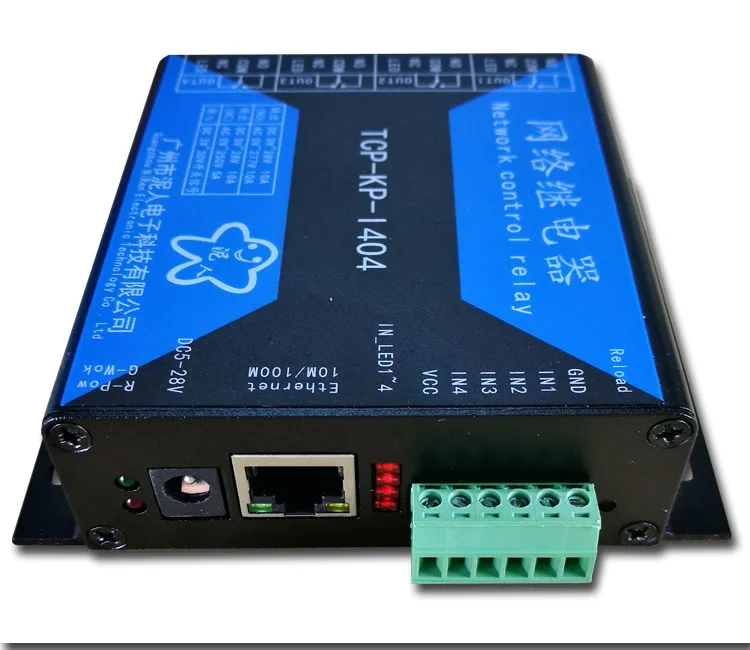
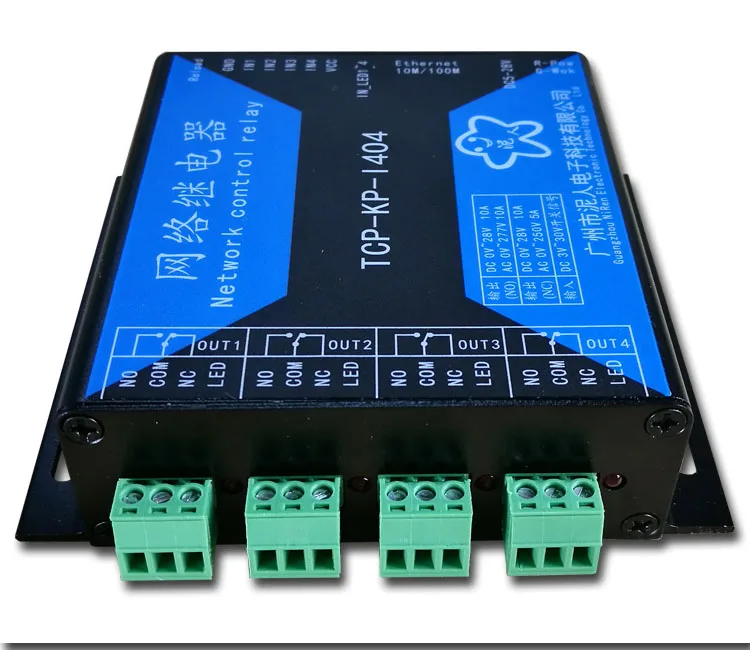



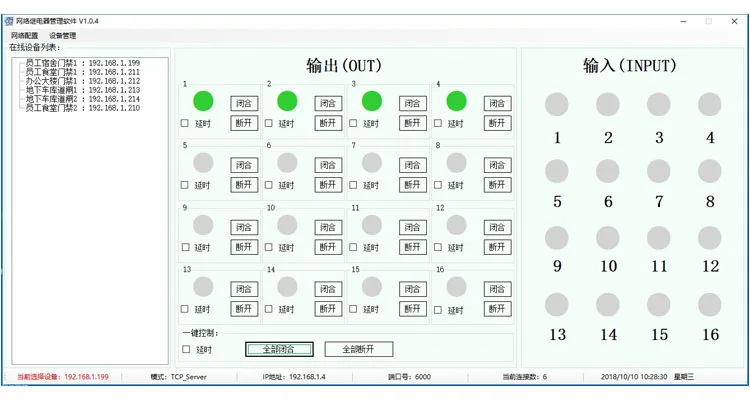
Test instructions: | |
instruction |
description |
AT |
Test instructions |
Control instruction | |
AT+STACHn |
Query, set the output relay (DO) real-time status |
AT+KPKEEP |
Query, set relay status to save power |
AT+OCCHn |
Query input interface (DI) real-time status |
AT+OCMOD |
Query, set input (DI) interface status upload mode |
AT+GANGCON |
Query, set input and output linkage |
Network instruction | |
AT+IP |
Query, set the network IP address |
AT+DHCP |
Query, set DHCP mode |
AT+GATEWAY |
Query, set the gateway IP address |
AT+MASK |
Query, set the subnet mask. |
AT+MAC |
Query, set the network MAC address |
AT+MODEL |
Query, set the network port working mode |
AT+PORT |
Query, set the network port number |
AT+DYNPORT |
Query, set dynamic port |
AT+DIP |
Query, set the destination IP address |
AT+DPORT |
Query, set the network destination port number |
AT+DNSEN |
Query, set domain name resolution |
AT+DOMAINNAME |
Query, set the domain address |
AT+DNSIP |
Query, set the DNS server IP address |
AT+DNSGETIP |
Query the destination IP obtained through the DNS server |
AT+LINKSTATn |
Query network port connection status |
AT+HEART |
Query, set network heartbeat packet parameters |
AT+THEARTDT |
Query, set the content of the network heartbeat package |
AT+TCPREG |
Query, set the network registration package execution mechanism |
AT+USRREG |
Query, set the content of the network registration package |
Other instructions | |
AT+WID |
Query, set device ID |
AT+NAME |
Query, set the device name |
AT+DEFAULT |
The device parameters are restored to factory defaults and the device is restarted. |
AT+RST |
Device software reset, the effect is equivalent to re-powering |
Expansion instruction | |
AT+TIME |
Query, set system time |
AT+TIMESW |
Query, set, delete relay timing action time |
AT+UART |
Query, set serial port (RS485) parameters |
AT+UARTMOD |
Query, set serial port (RS485) working mode |
AT+SEND |
Network receiving, sending serial port (RS485) data |
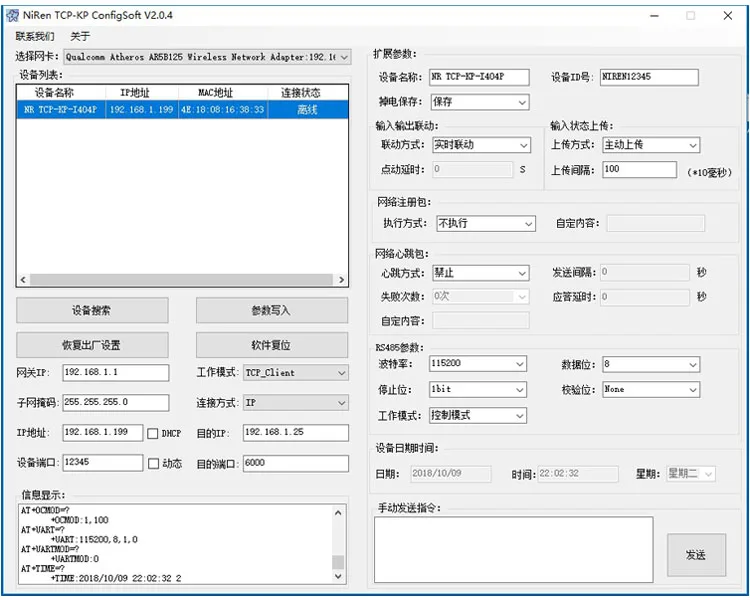
2. Provide a test software source code written in C++ for user reference, shortening the user's secondary development cycle.